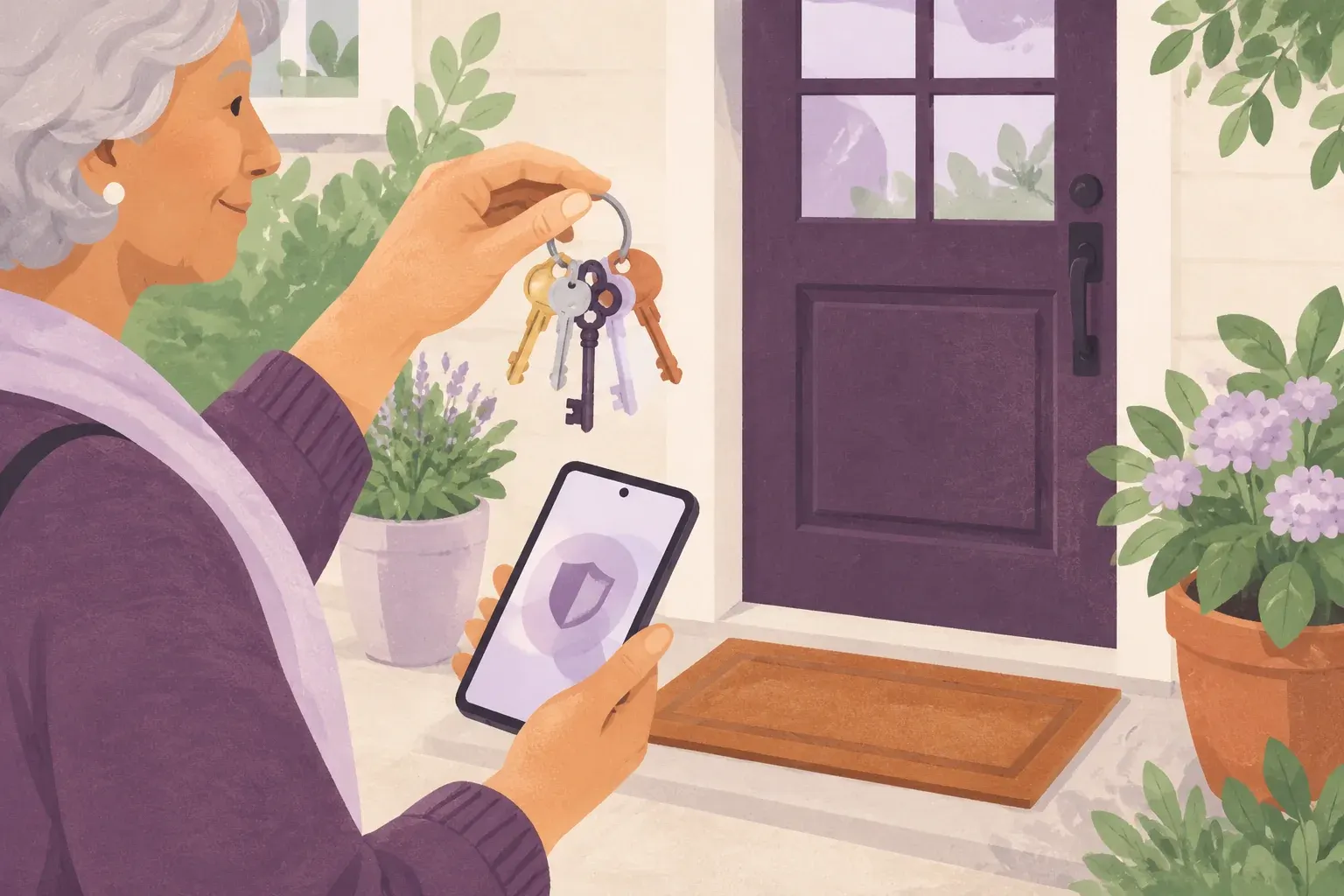
Start with a unique password
If the same password opens several accounts, a stolen password can expose more than one of them. Start with one important account and use a password you do not use elsewhere.
- Open the account through its official app or website.
- Use a long, unique password or passphrase. Get Cyber Safe suggests four or more random words and at least 15 characters for a passphrase.
- Avoid names, birthdays and examples printed in a guide like this one.
Sources:[1]
Add another sign-in step
Multi-factor authentication, often called MFA or two-step verification, adds protection beyond a password. Follow your account provider’s instructions for supported options.
- Find Security or Sign-in settings in the official account.
- Choose an option you can use reliably, with accessibility in mind.
- Follow the provider’s recovery instructions before you depend on a new sign-in method. Do not approve an unexpected sign-in request.
Keep help separate from secrets
A helper can explain a setting without asking you to announce your password. If you suspect a password was exposed, change it through the official account recovery process and change it anywhere it was reused.
- Never put a real password or recovery code into this website, a chat or a practice worksheet.
- Consider a reputable password manager if remembering unique passwords is difficult. Review its recovery options and protect its main password.
Try one small step
A little practice, no pressure.
Choose one account to improve. Find its official security instructions. Do not write down the password here; simply note on your own checklist when you have finished.
Sources & review
Source check: October 5, 2026. These links go to the original publishers; listing a source is not an endorsement. Safety and reporting guidance follows these official Canadian pages. Confirm current details there before acting.
- Get Cyber Safe — Passphrases, passwords and PINs - Get Cyber Safe
- Get Cyber Safe — Multi-factor authentication - Get Cyber Safe
- Get Cyber Safe — What to do if you are a victim of a phishing scam - Get Cyber Safe